



Choosing the right WordPress theme can feel overwhelming, especially when thousands of options promise beautiful design, fast performance, and easy customization. But if you’ve ever installed a theme that looked great in the demo and terrible on your actual site, you know the struggle is real.
How to Choose a WordPress Theme isn’t just about aesthetics. It directly affects your website’s speed, search visibility, mobile experience, and even how many customers contact or buy from you.
In many business websites we’ve worked on, switching to a better theme alone improved page speed, reduced bounce rates, and increased conversions without changing content at all.
This guide will help you choose a theme that works for your business today and scales with you tomorrow.
Before browsing designs, clarify what your website must accomplish.
Ask yourself:
A restaurant site needs different functionality than a consulting firm or online store. Picking a theme built for your niche saves hours of customization later.
If you’re exploring options, start by browsing curated WordPress themes to see how different industries structure their websites.
A good theme balances design, performance, usability, and flexibility. It shouldn’t lock you into rigid layouts or require dozens of plugins just to function.
From our experience building themes, the biggest mistake beginners make is choosing based purely on demo visuals. Demos often use professional images, perfect typography, and custom layouts that aren’t included by default.
Extremely important.
Your theme controls layout, scripts, stylesheets, and sometimes even functionality. A slow theme will slow down your entire website, regardless of hosting quality.
In many real projects, we’ve seen business sites drop from 6-second load times to under 2 seconds simply by switching to a lightweight theme.
You can’t fully test a theme until it’s installed, but you can evaluate its likely performance.
If the demo is already slow on optimized hosting, your real site will likely be slower.
More than half of website traffic now comes from mobile devices. If your site looks cluttered or difficult to use on phones, visitors won’t stay.
A properly responsive theme should:
Based on real user behavior we’ve observed, mobile visitors are less patient and more action-focused. They want quick information, not complex layouts.
Small businesses evolve. Your website should too.
Themes should allow changes without touching code:
Themes designed for Elementor or other drag-and-drop builders make customization easier for non-technical users.
If you plan to build pages visually, explore dedicated Elementor WordPress themes designed specifically for that workflow.
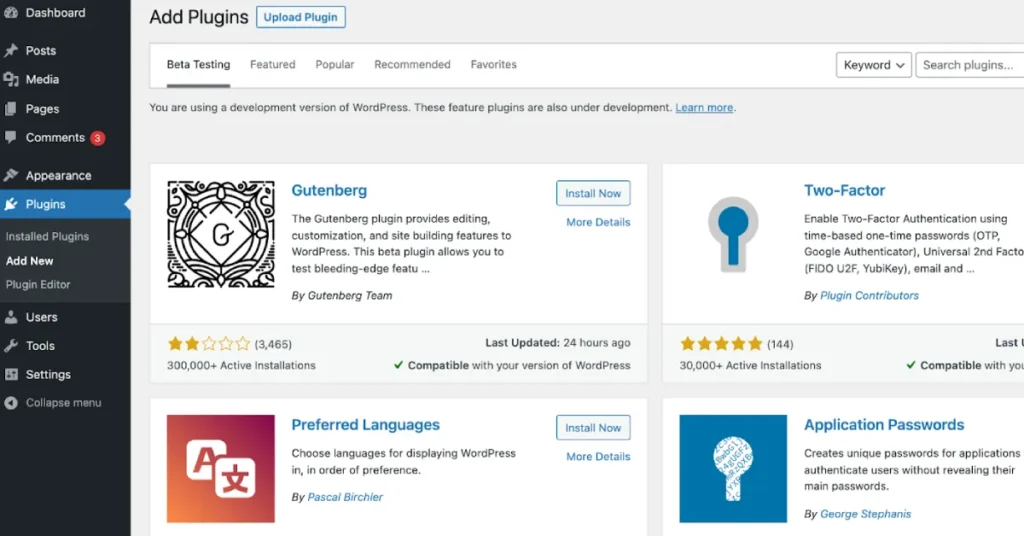
Your theme should work smoothly with popular plugins.
Common plugins business sites rely on:
Poor compatibility can cause layout breaks, errors, or performance issues.
We’ve encountered sites where a visually appealing theme conflicted with WooCommerce updates, causing checkout failures and a costly mistake.
Free themes can be a good starting point, especially for testing ideas or personal projects. However, they often come with limitations.
If you’re exploring options, browsing Free WordPress themes can help you understand what basic functionality looks like before upgrading.
Premium themes typically offer better performance, features, and long-term reliability.
For businesses that depend on their website for leads or sales, premium themes usually pay for themselves quickly.
You can compare options among Premium WordPress themes built for professional use.
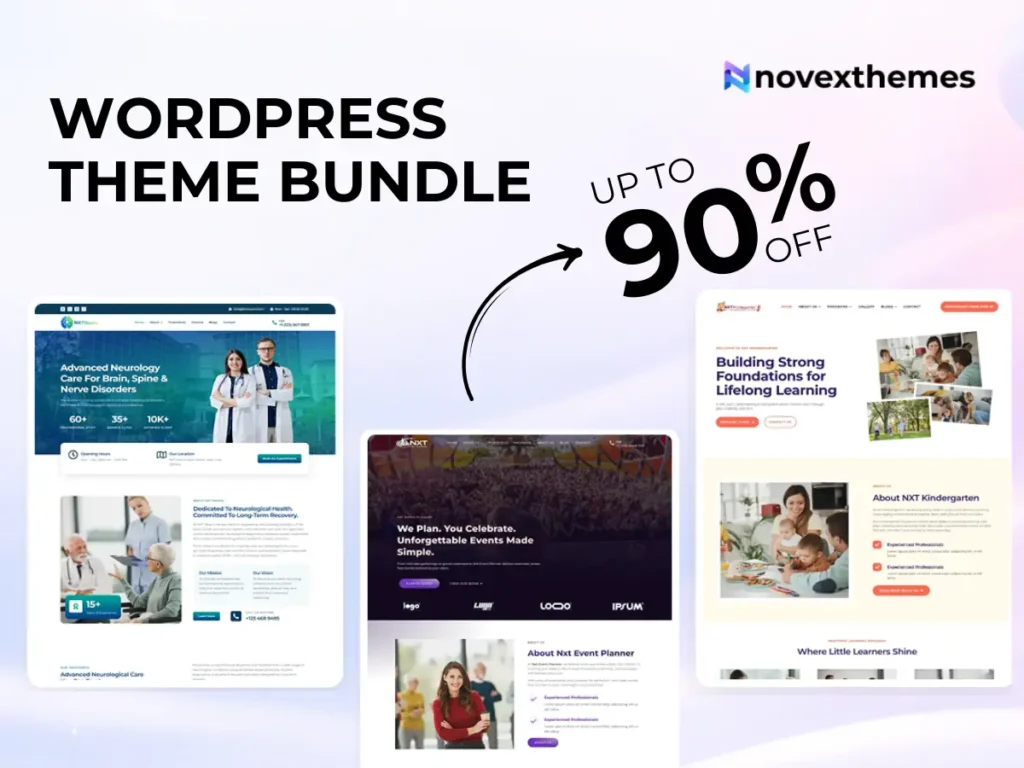
Agencies, freelancers, or business owners managing several sites may benefit from bundles.
Instead of purchasing themes individually, bundles provide multiple niche designs at a lower overall cost.
Explore available options like a WordPress theme bundle if you anticipate launching more sites in the future.
Animations, sliders, and complex layouts may look impressive, but they often hurt usability.
Ask yourself:
From our experience optimizing business websites, simple layouts outperform flashy ones almost every time.
1. Choosing purely based on demo visuals
2. Ignoring speed and performance
3. Overlooking mobile experience
4. Picking themes overloaded with features
5. Not checking update history
6. Using themes incompatible with key plugins
7. Failing to consider long-term scalability
Many businesses rebuild their sites within a year because the original theme couldn’t grow with them.
Use this before making a decision:
If a theme meets these criteria, it’s likely a solid choice.
Choosing the right WordPress theme isn’t about finding the most beautiful design; it’s about selecting a foundation for your online presence.
A well-built theme improves page speed, search rankings, user experience, and conversions. A poor choice can slow your site, frustrate visitors, and limit growth.
Take time to evaluate your needs, test demos carefully, and prioritize performance over flashy visuals. Your future self and your customers will thank you.
A good theme should be fast, mobile-friendly, easy to customize, SEO-ready, and compatible with essential plugins. It should support your business goals rather than complicate them.
Speed is critical. Slow themes lead to higher bounce rates, lower search rankings, and fewer conversions. Lightweight themes deliver better overall website performance.
Test the demo site using speed tools, browse on mobile devices, check navigation usability, and verify customization options. Look for reviews and update history as well.
Yes. Themes designed for drag-and-drop builders like Elementor make website creation much easier for beginners and non-technical users.
If your website generates leads or revenue, a premium theme is usually worth the investment due to better performance, support, and flexibility.