15 Premium WordPress Themes for $59 - Just $3.93 Each. Save $376
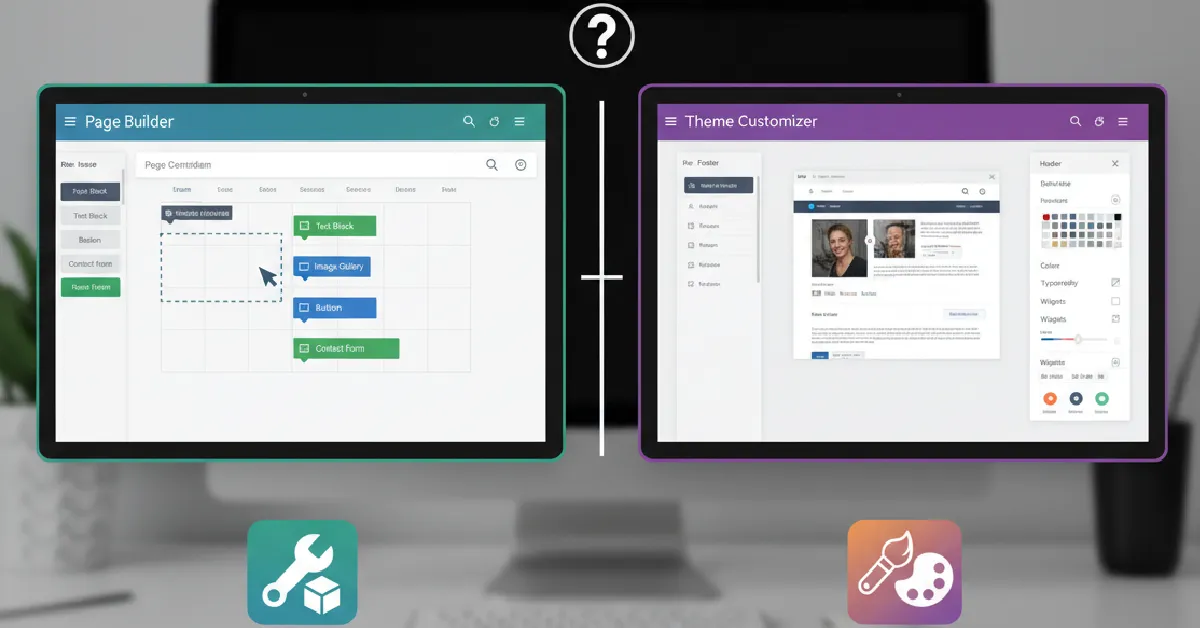
If you’ve ever tried to design a WordPress website, you’ve probably faced this question: Should I use a page builder or rely on the theme customizer?
Understanding Page Builders vs Theme Customizers is essential because this choice directly affects your website design flexibility, performance, ease of use, and long-term maintenance.
From working on dozens of business websites, we’ve seen both tools succeed and fail depending on the project. Some clients needed full creative freedom. Others just wanted a clean, fast site without complexity.
So which option is right for you? Let’s break it down in practical terms.
The WordPress Theme Customizer is the built-in tool that allows you to modify your website’s appearance without touching code.
It typically controls:
Most modern WordPress themes include a customizer panel with live preview so that you can see changes instantly.
It’s reliable, lightweight, and usually optimized for performance.
A page builder is a plugin that lets you design pages visually using drag-and-drop elements.
Popular builders include Elementor, which powers a large portion of modern WordPress sites.
With page builders, you can:
Many users prefer builders because they don’t need technical knowledge. For example, Elementor WordPress themes are designed to work seamlessly with visual editing tools.
Theme Customizer:
Limited to options defined by the theme developer.
Page Builder:
Full layout freedom. You design almost everything.
Surprisingly, both can be beginner-friendly but in different ways.
A drag-and-drop page builder gives more visual control but introduces more settings to learn.
Page builders win here.
Want a hero section with layered images, custom grids, or interactive elements? The customizer won’t handle that.
Builders allow a unique website design that doesn’t look like a template.
This is where the customizer often has an advantage.
Builders add extra code to support flexibility, which can affect loading speed if not optimized properly.
From performance optimization projects we’ve handled, heavy page builder usage is one of the most common causes of slow websites.
However, well-coded themes and careful usage can keep builder sites fast.
Beginners often ask: Which one should I start with?
For users who expect to grow their site over time, builders usually offer more flexibility.
Since customizer-based sites tend to be lighter, they often perform well in search rankings, assuming the theme itself is SEO-friendly.
Builders can be SEO-friendly too, but only if:
In many business websites we’ve audited, poor builder usage, not the builder itself, caused ranking issues.
Modern builders allow device-specific adjustments:
This makes it easier to achieve a mobile-optimized experience.
Customizers rely on the theme’s built-in responsive design, which may be less granular but often cleaner.
Builder-based sites rely on more plugins, which increases complexity.
Customizer-based sites usually depend mainly on the theme, making maintenance simpler.
For projects that require long-term stability, such as corporate websites, simplicity can be a major advantage.
There isn’t a universal winner in Page Builders vs Theme Customizers. The best choice depends on your goals, technical comfort level, and type of website.
If you want something fast, stable, and easy to manage, start with the customizer.
If you want freedom to design anything you imagine, a page builder is worth learning.
Most successful WordPress sites today use a balanced combination of both.
No. Many websites function perfectly using only the theme customizer.
They can, especially if layouts are complex or poorly optimized.
The customizer is simpler initially, but builders offer more long-term flexibility.
Yes, though redesigning pages may be required.
Yes, when used correctly with a lightweight theme and optimized content.