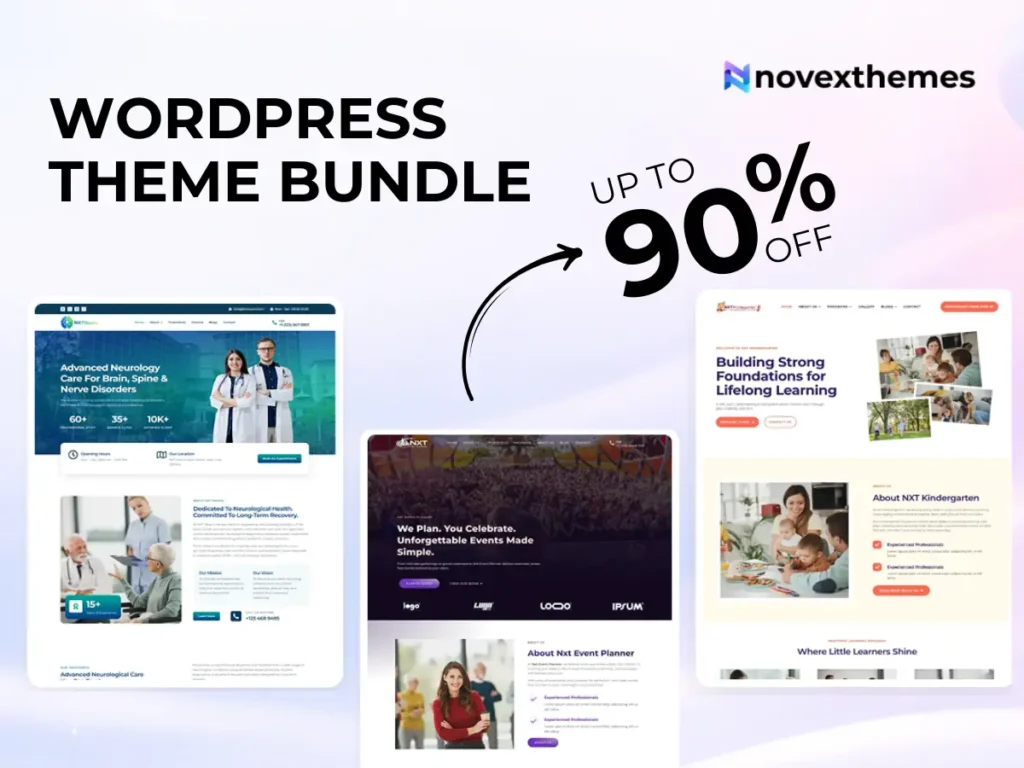
15 Premium WordPress Themes for $59 - Just $3.93 Each. Save $376
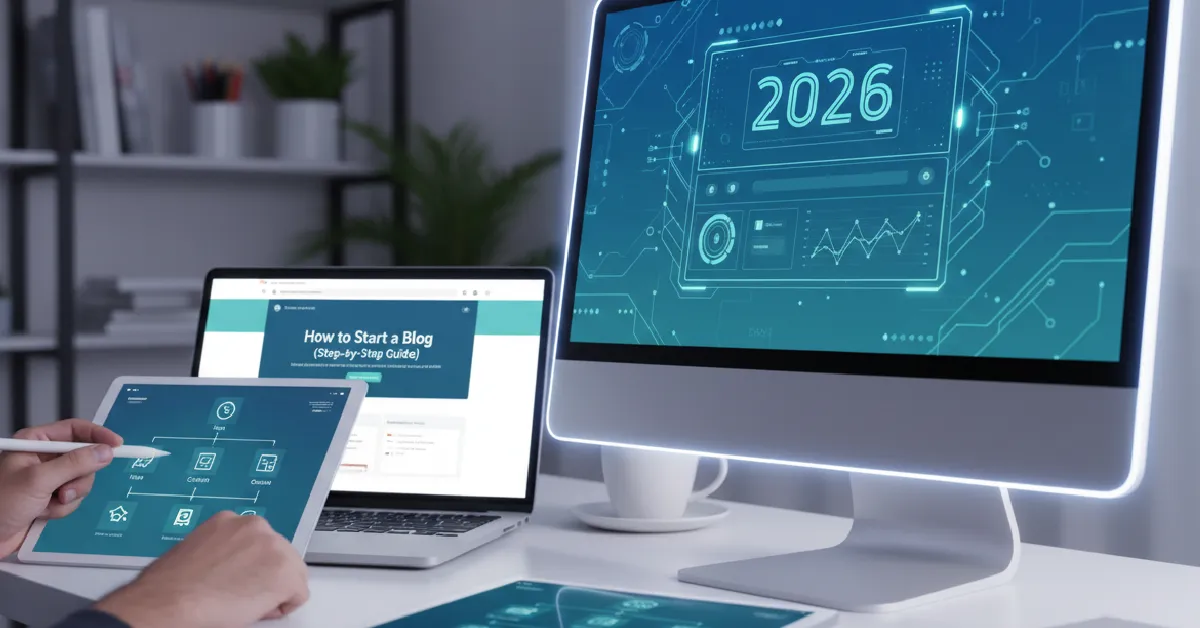
If you’re thinking about blogging in 2026, you’re not alone, but many beginners get stuck before they even publish their first post. They worry about technical setup, design decisions, or whether WordPress is too complicated.
The good news? Learning how to start a Blog with WordPress is far easier today than it was even a few years ago. With the right steps, you can launch a fast, professional, mobile-optimized blog without coding skills.
From our experience working on real websites, most beginners don’t fail because blogging is hard; they fail because they skip foundational steps. This guide walks you through the entire process clearly, whether you’re a hobby blogger, business owner, or agency building a content site.
WordPress powers a huge portion of the web for a reason:
Unlike hosted platforms, WordPress lets your blog grow into a full business website if needed.
Before buying hosting or installing anything, clarify your purpose.
Ask yourself:
A clear direction helps shape your website design, content strategy, and monetization path.
Your domain is your blog’s address. Hosting stores your website files.
Look for hosting that provides:
Cheap hosting often causes slow page speed and reliability issues later.
Most hosting providers offer automated installation.
After installation, you’ll access the WordPress dashboard, the control panel where you manage everything.
Key areas to learn:
Don’t worry about mastering everything immediately.
Your theme controls layout, design, and usability.
A well-built theme improves:
Browsing quality WordPress themes can help beginners avoid poorly coded options that cause problems later.
Avoid overly complex designs with unnecessary features.
You don’t need coding skills to personalize your site.
Modern themes support visual editing through tools like Elementor, a drag-and-drop page builder.
For flexible design control, many bloggers prefer Premium Elementor WordPress Themes that allow real-time editing.
From our UX work, clean and simple layouts consistently outperform flashy ones.
Plugins add functionality to your blog.
Start with only what you need.
Too many plugins can slow performance and create compatibility issues.
Before publishing content, adjust core settings.
Many beginners skip this step and regret it later.
Even a blog needs basic pages.
These build trust and credibility.
Start with foundational content that helps readers immediately.
Good beginner topics include:
Focus on clarity rather than perfection.
A slow blog discourages visitors.
Key optimization steps:
Performance directly affects search visibility and user experience.
Most traffic now comes from phones.
Ensure:
Mobile usability influences both engagement and SEO.
Even if you start small, plan.
Ask yourself:
If expansion is likely, reviewing WordPress theme bundle options can provide flexibility for future projects.
Starting a blog in 2026 doesn’t require technical expertise, just a structured approach and the right tools. WordPress remains the most flexible platform for beginners who want full control and long-term growth potential.
By following this step-by-step guide, you can launch a professional, fast, and user-friendly blog that evolves with your goals.
Take it one step at a time. The most important milestone isn’t perfection, it’s publishing your first post.
You can set up a basic blog in a few hours, though refining design and content takes longer.
No. Modern themes and builders allow full customization without coding.
Yes, through ads, affiliate marketing, products, services, or memberships.
The software is free, but hosting and domain costs apply.
At least 3–5 quality articles so visitors have meaningful content to explore.