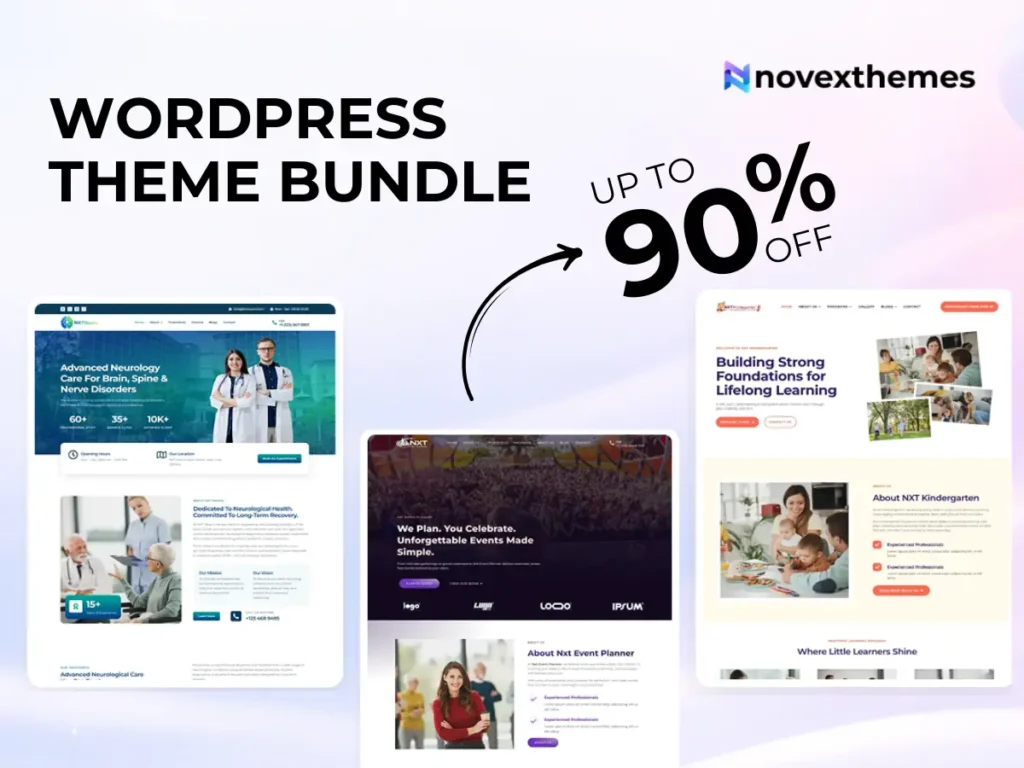
15 Premium WordPress Themes for $59 - Just $3.93 Each. Save $376
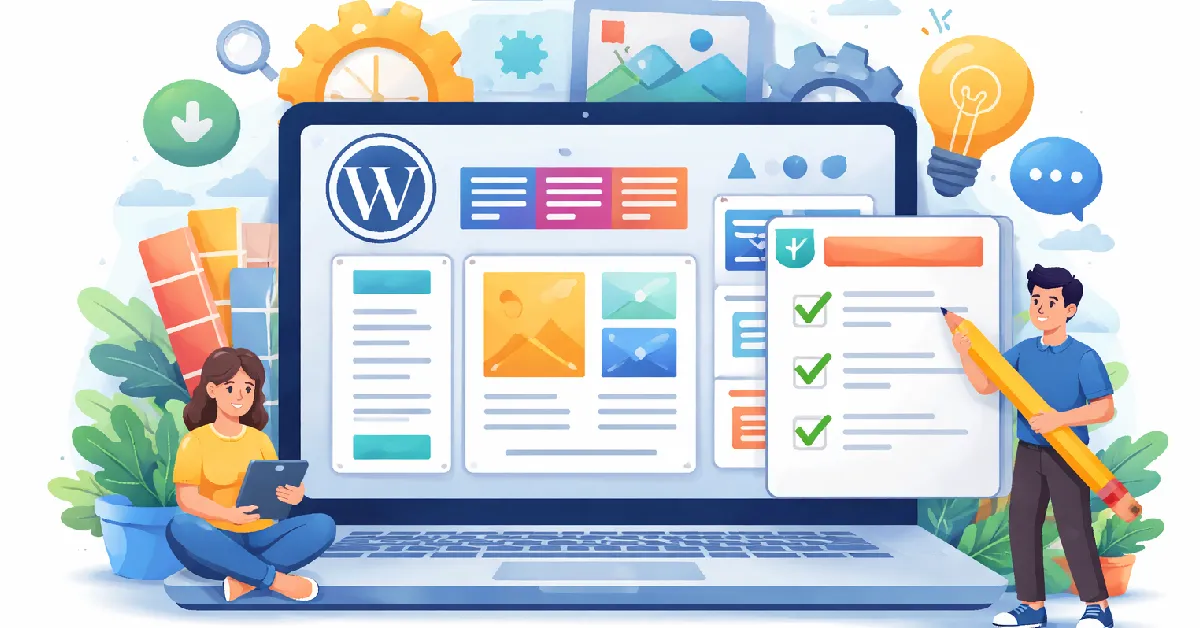
Choosing a theme is one of the most important decisions when building a website, and also one of the most confusing for beginners. Thousands of options promise beautiful design, powerful features, and easy setup. But how do you know which one will actually work for your needs?
This WordPress Theme Checklist for Beginners will help you evaluate themes step by step so you can avoid common mistakes and build a site that looks professional, performs well, and grows with your goals.
In many business websites we’ve worked on, problems didn’t come from hosting or plugins; they came from choosing the wrong theme at the start. Browsing well-built WordPress themes can significantly reduce those risks.
Before evaluating features, clarify what your site needs to accomplish.
Ask yourself:
A theme that works perfectly for a blog may be unsuitable for an online store.
Your website must function across devices.
A responsive design automatically adjusts layout for different screen sizes.
Mobile usability directly affects user experience and search visibility.
Slow websites lose visitors quickly.
From our performance optimization work, themes overloaded with effects often create long-term issues.
If speed is a priority, reviewing Premium WordPress themes optimized for efficiency can be helpful.
A theme should support search optimization, not hinder it.
Look for:
An SEO-friendly theme provides a solid technical foundation for ranking.
Beginners often underestimate how much customization they’ll need.
Flexible themes reduce reliance on developers.
Many beginners prefer visual editing tools.
If you want drag-and-drop design capabilities, consider Elementor WordPress themes that integrate smoothly with popular builders.
From our UX projects, builder-friendly themes make ongoing site management far easier.
Your website will likely rely on plugins for key features.
Ensure the theme works well with:
Compatibility issues can cause broken layouts or missing functionality.
Demos showcase what’s possible.
Check:
A versatile theme supports different content types.
Themes require ongoing maintenance.
Reliable themes offer:
Outdated themes can introduce security and performance risks.
Free themes are useful starting points.
You can explore Free WordPress themes to learn the basics.
Premium themes often provide:
For agencies or multi-site users, a WordPress theme bundle can offer long-term flexibility.
Good design guides visitors naturally.
Evaluate:
Based on real user behavior we’ve observed, straightforward navigation consistently outperforms complex layouts.
If your site aims to generate leads or sales, the theme should support conversion-focused design.
Look for:
A visually impressive theme that lacks conversion elements may not serve business goals.
Beginners should ensure they can make changes without technical expertise.
Key areas to test:
Ease of customization determines long-term usability.
Selecting the right theme isn’t about finding the most visually impressive option; it’s about choosing a foundation that supports performance, usability, and growth.
By following this WordPress the week list, beginners can make informed decisions and build websites that look professional, load quickly, and adapt to future needs.
Take time to evaluate carefully. A well-chosen theme saves countless hours of troubleshooting later.