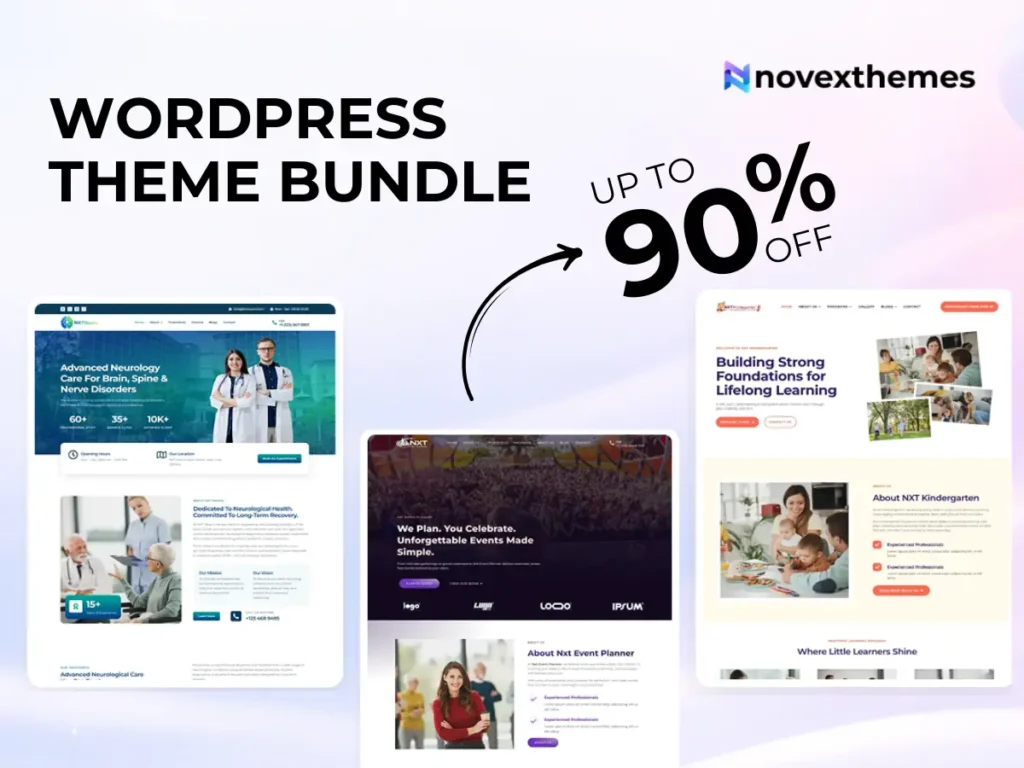
15 Premium WordPress Themes for $59 - Just $3.93 Each. Save $376
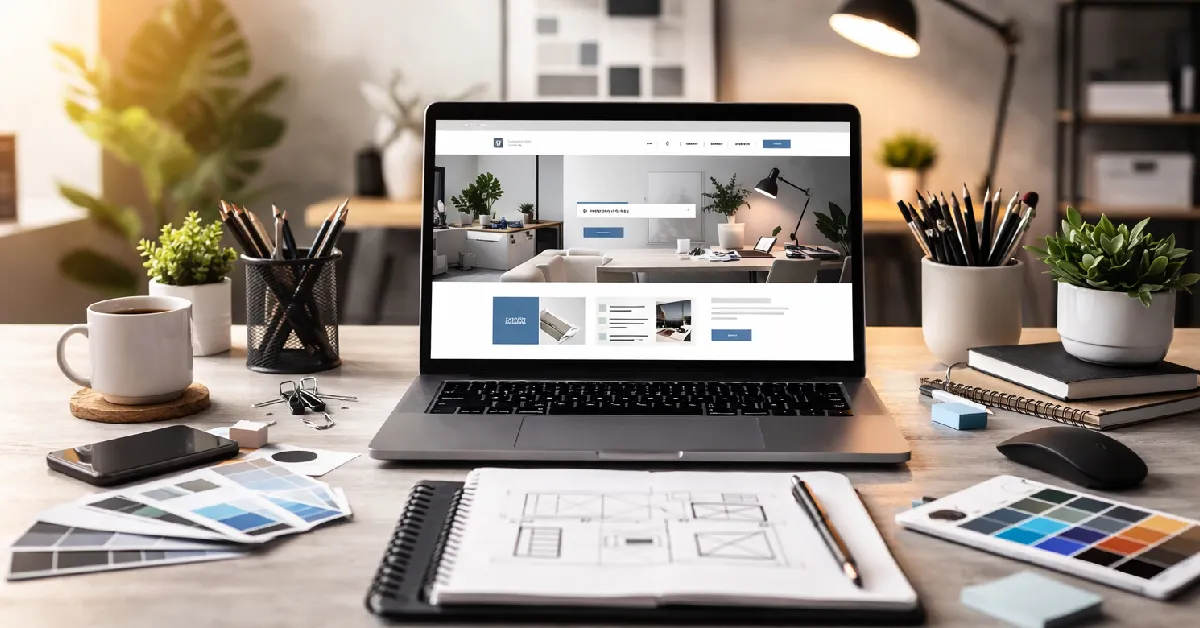
A professional-looking website doesn’t have to cost thousands. Many small businesses, bloggers, and startups assume high-quality design requires a large budget, but that’s rarely true today.
If you want to Make Your Website Look Professional on a Budget, the key is not expensive design, but smart decisions: choosing the right theme, maintaining visual consistency, and optimizing user experience.
In many business websites we’ve worked on, modest improvements, not complete redesigns, produced dramatic changes in perceived credibility and conversions.
If you’re starting from scratch, exploring well-built WordPress themes is often the fastest way to achieve a polished look without overspending.
Your theme defines layout, typography, spacing, and visual hierarchy.
A cluttered or outdated design immediately undermines trust, regardless of content quality.
You don’t need expensive custom development, just a solid foundation.
Inconsistent colors, fonts, and imagery are common in low-budget sites.
Professional sites maintain a uniform visual identity across all pages.
From our UX projects, consistency alone can make a site feel significantly more premium.
Crowded pages look amateurish.
Whitespace (space) improves readability and focus.
Clean structure enhances user experience and website conversion.
Low-quality images are one of the biggest professionalism killers.
Avoid stretched, pixelated, or mismatched visuals.
Visual builders allow advanced design without hiring developers.
You can explore Elementor WordPress themes for flexible no-code editing.
From our experience building client sites, page builders dramatically reduce design mistakes.
Fonts influence professionalism more than many people realize.
Readable text keeps visitors engaged.
Visitors should instantly understand where to go.
Confusing navigation often leads to abandoned sessions.
Many visitors will see your site on mobile first.
A professional site must adapt seamlessly.
Test:
Poor mobile usability can damage credibility immediately.
Slow sites feel unreliable.
From our performance optimization work, improving loading speed often had a larger impact than visual redesigns.
Faster websites also support better SEO.
Even free themes can look premium with proper customization.
You can explore Free WordPress themes to start without investment.
Small adjustments can transform the overall impression.
Professional websites clearly communicate legitimacy.
In many business websites we’ve worked on, adding trust elements improved inquiries more than design tweaks.
If the budget allows even a small investment, premium themes often provide significant advantages.
You can review Premium WordPress themes for advanced features and polished design.
For multiple projects or future expansion, a WordPress theme bundle can offer long-term value.
These changes often deliver immediate results.
You don’t need a large budget to build a professional-looking website. Smart choices in design, structure, and performance can elevate even simple sites.
Focus on clarity, consistency, speed, and usability rather than expensive features. These fundamentals influence how visitors perceive your brand and whether they stay long enough to take action.
With the right approach, a budget-friendly website can look just as polished as a high-cost one.