15 Premium WordPress Themes for $59 - Just $3.93 Each. Save $376

A theme demo can look flawless, with stunning images, smooth animations, and perfectly structured pages. Then you install it on your site and something feels… off. Layouts break, pages load slowly, or customization is far more limited than expected.
Knowing how to test a WordPress Theme Demo Before Buying helps you separate polished marketing from real-world performance.
In many client projects we’ve handled, businesses chose themes based solely on demo visuals, only to rebuild months later due to speed issues, poor mobile experience, or compatibility problems.
If you’re browsing different WordPress themes, a proper evaluation process can save significant time and frustration.
A demo is essentially a showcase often optimized with ideal content, professional images, and carefully configured settings.
What it doesn’t show:
Testing helps you understand what you’re actually buying.
Start with a general walkthrough.
Based on real user behavior we’ve observed, visitors form impressions within seconds. If the demo feels confusing, your live site will too.
Look beyond aesthetics.
Beautiful design without usability rarely leads to strong website conversion.
Performance is one of the most important factors.
From our performance optimization work, themes overloaded with sliders, animations, or videos often struggle with page speed.
If performance matters for your business, reviewing Premium WordPress themes optimized for speed can be worthwhile.
Automated tools are helpful, but manual testing matters too.
Scroll through the demo and observe:
If it feels sluggish on a fast connection, mobile users will likely experience worse performance.
Mobile traffic often exceeds desktop traffic.
A responsive design should adapt naturally without requiring zooming or horizontal scrolling.
Many demos showcase specific layouts that may not be easily editable.
Check whether the theme allows:
Themes compatible with page builders provide more flexibility.
If you prefer visual editing, explore Elementor WordPress themes designed for drag and drop page builder workflows.
Explore beyond the homepage.
Visit:
These areas often reveal limitations not visible on the main page.
A theme must work with essential plugins.
In several projects we’ve managed, themes that looked impressive conflicted with WooCommerce or booking plugins, causing functional issues.
User experience determines whether visitors stay or leave.
Ask yourself:
Based on usability testing, simple structures outperform complex layouts in most business contexts.
Demo sites use ideal text and images.
Try imagining:
Will the design still look good?
From our experience building WordPress themes, beginners often underestimate how much demo content influences perceived quality.
Free themes can be useful starting points.
You can browse <a href= “https://novexthemes.com/product-category/free/”>Free WordPress themes</a> to see baseline functionality.
Premium demos typically showcase:
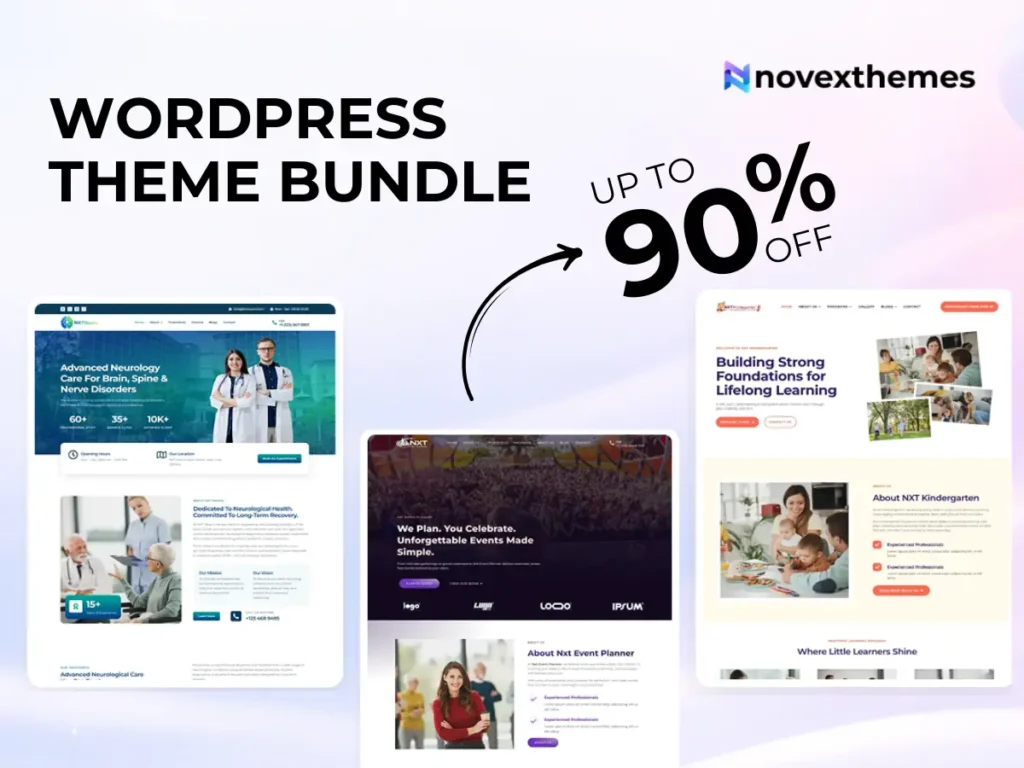
If managing multiple websites, a WordPress theme bundle may offer broader flexibility.
These signs often indicate deeper issues.
Use this before purchasing:
Don’t rely on a single factor.
Consider:
In many business websites we’ve worked on, themes chosen through comprehensive evaluation delivered far better long-term results.
Testing a WordPress theme demo properly is less about judging appearance and more about understanding real-world behavior.
A well-built theme should perform smoothly, adapt to mobile devices, support customization, and integrate with essential tools. By evaluating demos carefully, you can avoid costly redesigns and choose a theme that supports your website’s goals from day one.
Take time to test, question, and explore how your future website will benefit.