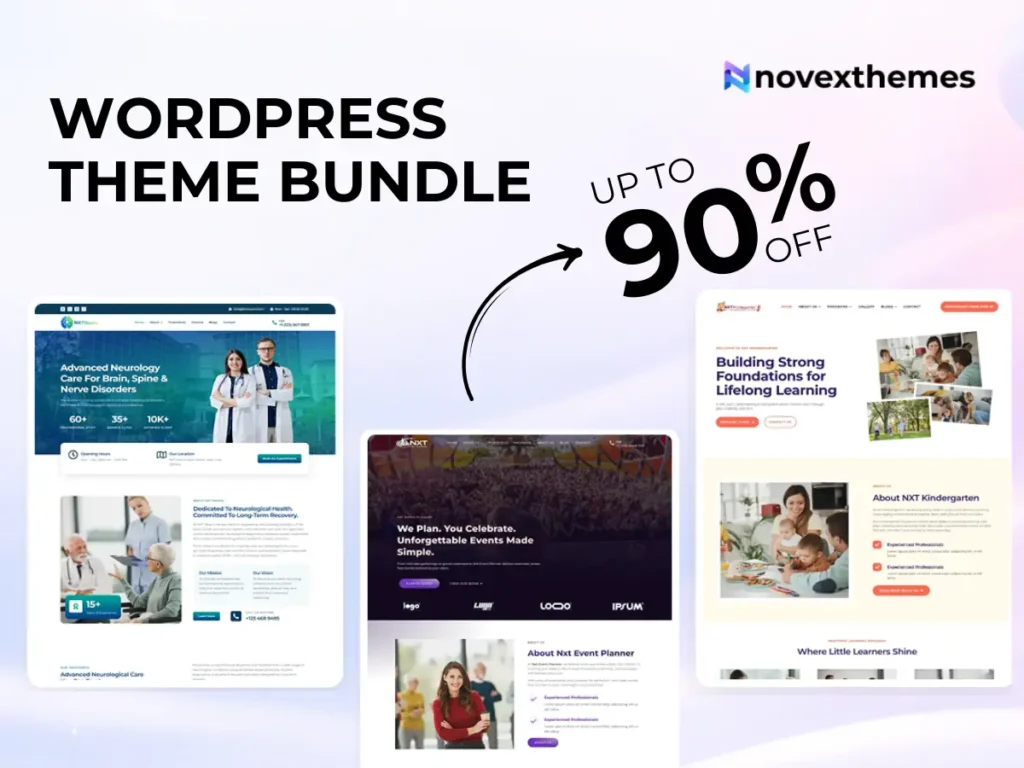
15 Premium WordPress Themes for $59 - Just $3.93 Each. Save $376

When choosing a WordPress theme, most people focus on design, features, or price. But there’s one factor that often determines whether your website runs smoothly months or years later: Theme Support.
If something breaks after a WordPress update, a plugin conflict appears, or you can’t figure out how to customize a layout, theme support is what stands between a quick fix and hours of frustration.
In many business websites we’ve worked on, the quality of support mattered more than the theme itself. A well-supported theme can evolve with your needs. An unsupported one can leave you stuck.
If you’re exploring options, browsing WordPress themes from reputable developers is a good starting point.
Theme support refers to the assistance provided by the theme developer to help users install, configure, troubleshoot, and maintain their WordPress theme.
Think of it as ongoing help to ensure your website design functions correctly over time.
A theme isn’t a one-time purchase; it’s part of your website’s foundation.
From our experience building WordPress themes, updates to WordPress core or major plugins can occasionally affect how themes behave. Support ensures these issues get resolved.
Beginners benefit the most from reliable support.
Why? Because early challenges usually involve:
If you’re new to WordPress, choosing themes with strong documentation and responsive support can dramatically reduce the learning curve.
Not all support is equal.
Themes designed for visual builders often include specialized support for page editing.
For example, Elementor WordPress themes typically provide guidance tailored to drag-and-drop page builder workflows.
Themes and plugins serve different roles, and so does their support.
In real-world projects, issues often arise from interactions between themes and plugins, making both types of support important.
Support is typically delivered through several channels:
Some developers also provide troubleshooting assistance for performance and usability issues.
Strong support contributes directly to long-term success.
In many business websites we’ve worked on, proactive support prevented minor issues from escalating into major disruptions.
Not all experiences are positive.
Free themes often provide minimal support due to limited resources.
You can explore Free WordPress themes to understand baseline expectations, but premium themes usually offer stronger assistance.
Premium themes typically include more comprehensive support.
You can evaluate options among Premium WordPress themes built for professional use.
For agencies or multi-site owners, a WordPress theme bundle often provides consistent support across projects.
Support doesn’t just fix problems; it helps optimize results.
If your layout affects usability or calls to action aren’t performing well, knowledgeable support can guide improvements that enhance conversion rates.
From our UX work, small adjustments to spacing, responsiveness, or navigation often produce measurable improvements in user engagement.
Many users underestimate how much customization they’ll want later.
Support can help with:
Without guidance, even simple changes can feel overwhelming for non-technical users.
Outdated themes can become vulnerable.
Reliable developers provide updates to:
Security updates are especially critical for business websites handling user data.
From a technical standpoint, WordPress includes built-in functions allowing themes to declare support for features such as:
Users don’t need to configure these manually, but they demonstrate how themes integrate with the WordPress ecosystem.
Use this checklist when comparing options:
Support quality often predicts long-term satisfaction.
1. Choosing based only on appearance
2. Assuming all themes receive updates
3. Ignoring documentation quality
4. Overlooking compatibility guidance
5. Selecting abandoned themes
In many projects we’ve taken over, previous issues stemmed from unsupported or outdated themes.
Theme support is not an optional extra; it’s a critical component of a reliable WordPress website. It ensures your theme continues to work as WordPress evolves, plugins update, and your business grows.
While design attracts attention, support sustains performance, usability, and security over time. Choosing a theme backed by responsive, knowledgeable developers can save countless hours and prevent costly disruptions.
If you’re investing in your website, invest in support as well.