15 Premium WordPress Themes for $59 - Just $3.93 Each. Save $376

You find a beautiful WordPress theme demo, imagine your business site looking just like it, and click “Buy.” A few hours later, reality hits: layout breaks, pages load slowly, customization feels confusing, and your site looks nothing like the preview.
If that sounds familiar, you’re not alone.
Knowing how to evaluate a WordPress Theme Before Buying can save you time, money, and the frustration of rebuilding your website from scratch. A theme isn’t just a visual skin; it’s the structural foundation of your website design, performance, SEO, and user experience.
In many business websites we’ve worked on, replacing a poorly chosen theme made a bigger impact than redesigning the content itself.
This guide walks you through how professionals assess a theme before committing to it.
Before evaluating any theme, clarify what your site must do.
Different businesses need different functionality:
A theme designed for online stores won’t work well for a consulting firm, even if it looks attractive.
Browsing a wide range of WordPress themes can help you identify designs built for your industry rather than forcing one to fit.
Performance should be your first technical check.
A slow theme affects:
From our experience optimizing client websites, heavy themes often include excessive scripts, animations, and visual effects that look impressive but slow everything down.
If the demo loads slowly on optimized hosting, your real site will likely be worse.
A theme should guide visitors toward action, not confuse them.
Ask yourself:
Based on real user behavior we’ve observed, visitors decide within seconds whether to stay or leave.
Fancy animations rarely improve engagement. Clear structure almost always does.
Your theme must work flawlessly on phones and tablets.
Mobile-optimized design isn’t just shrinking the desktop layout. It should reorganize content intelligently.
Many demos look perfect on desktop but break on smaller screens.
Even if a theme looks great now, you’ll eventually want changes.
Look for customization options such as:
Themes compatible with a drag-and-drop page builder like Elementor provide far more flexibility for non-technical users.
If you plan to design pages visually, explore specialized Elementor WordPress themes built for that workflow.
Most business websites rely on plugins for key functionality.
Common examples:
In several projects we’ve handled, plugin conflicts caused broken layouts, missing buttons, or checkout errors, all traced back to poorly coded themes.
Check whether the theme specifically mentions compatibility with major plugins.
You don’t need to read code to assess quality.
Look for signs of ongoing maintenance:
Themes abandoned by their creators can become security risks or stop working after WordPress updates.
Free themes can be useful for simple projects, but they often come with limitations.
Pros
Cons
Browsing available Free WordPress themes helps you understand baseline features.
Premium themes usually provide better long-term reliability.
You can explore professional-grade options among Premium WordPress themes built specifically for business use.
Many themes showcase idealized designs using stock images and perfect content.
Try to imagine the theme with your actual text, images, and branding.
Questions to ask:
From our experience building WordPress themes, beginners often assume demos are one-click replicas; they rarely are.
If your website aims to generate leads or sales, design should support that goal.
Look for:
Beautiful websites that don’t convert are surprisingly common.
Your business will grow. Your theme should accommodate that growth.
Think ahead:
Switching themes later can be complex and time-consuming.
If you manage multiple websites for clients or separate projects, buying individual themes repeatedly can get expensive.
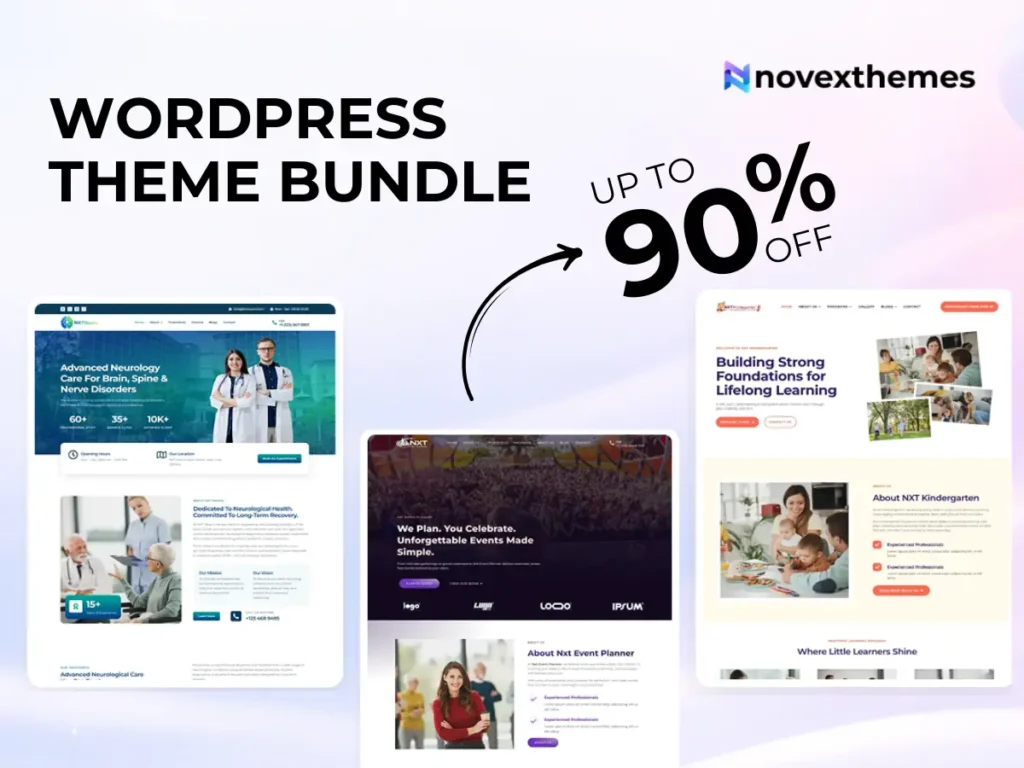
A WordPress theme bundle can provide diverse designs at a lower overall cost while maintaining consistency across projects.
1. Choosing based solely on visuals
2. Ignoring performance metrics
3. Not testing mobile experience
4. Overlooking plugin compatibility
5. Assuming demos are turnkey solutions
6. Forgetting long-term needs
7. Selecting feature-bloated themes
In many business websites we’ve worked on, themes packed with “everything” ended up slowing the site and complicating management.
Use this before purchasing:
If a theme meets most of these criteria, it’s likely a solid choice.
Evaluating a WordPress theme properly is less about aesthetics and more about long-term usability, performance, and business impact.
A well-chosen theme becomes an asset that supports growth. A poorly chosen one becomes a constant source of friction, slow pages, limited customization, plugin conflicts, and reduced conversions.
Take the time to test demos, analyze features carefully, and prioritize user experience over visual gimmicks. Your website will be easier to manage and far more effective.
Check performance, mobile responsiveness, update history, plugin compatibility, and customization options. A high-quality theme balances speed, usability, and flexibility.
Performance should come first. A fast, simple design usually performs better than a visually complex but slow theme.
Yes, but switching themes can break layouts and require redesign work. It’s better to choose carefully from the start.
Themes designed for drag-and-drop page builders like Elementor are generally easier for beginners because they allow visual editing without coding.
Not always. Free themes can work for basic sites, but premium themes typically offer better support, customization, and long-term reliability.