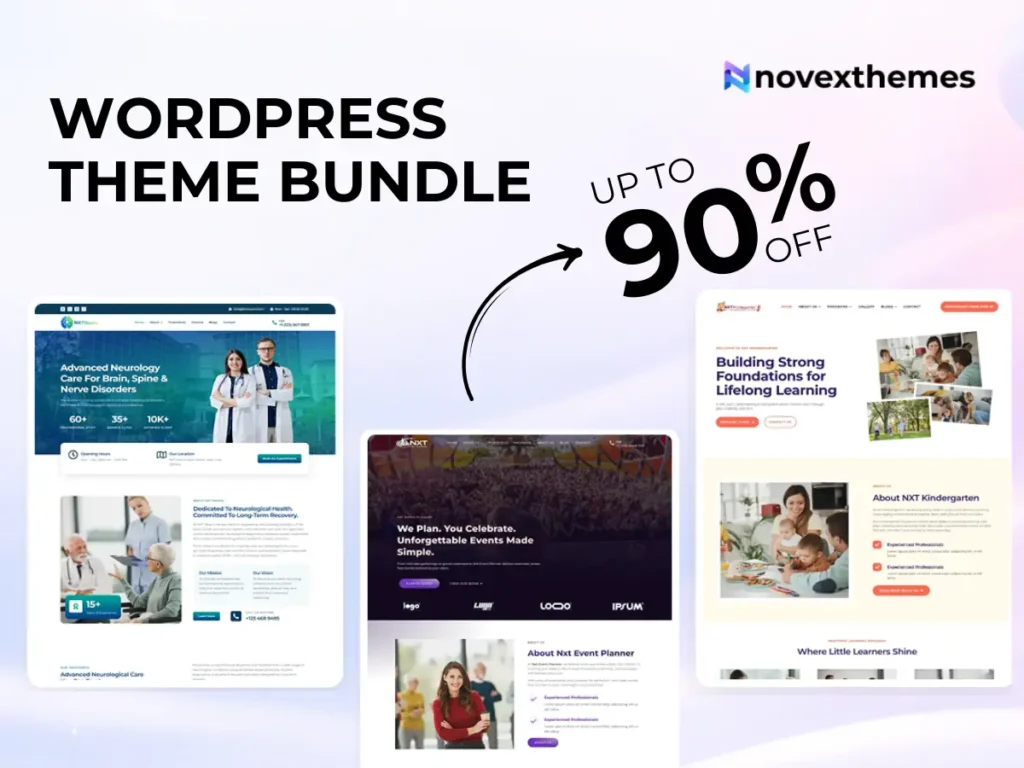
15 Premium WordPress Themes for $59 - Just $3.93 Each. Save $376
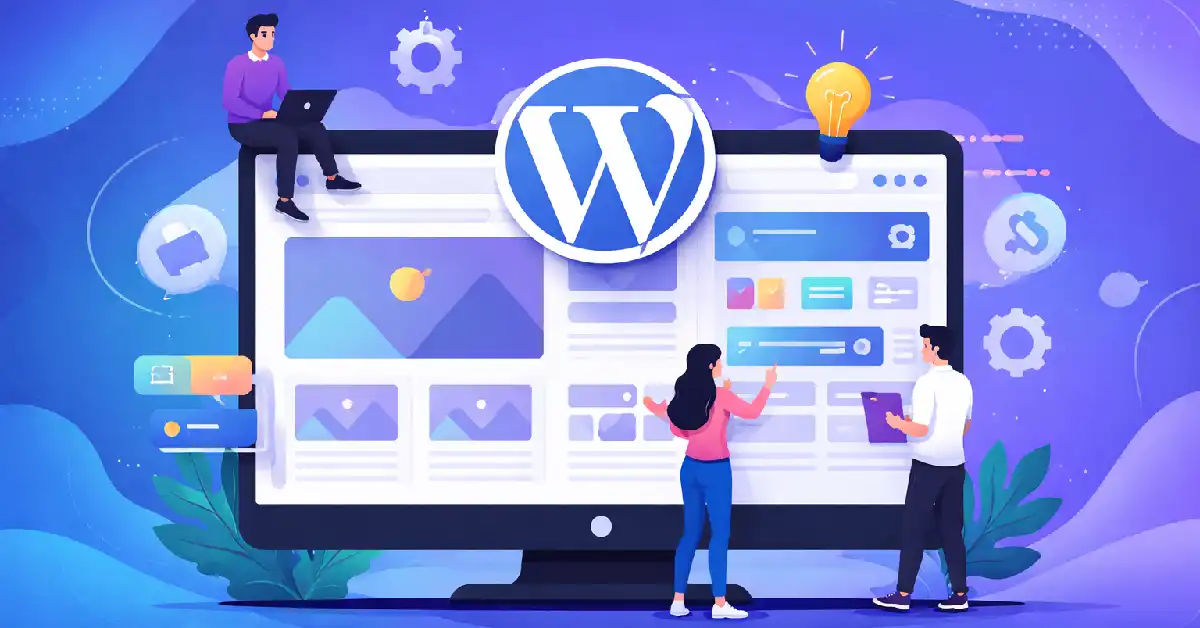
You’ve decided to build a website with WordPress – great choice. WordPress powers over 43% of all websites on the internet, and for good reason. It’s flexible, beginner-friendly, and endlessly customisable. But as soon as you start setting things up, you’ll hear the same word over and over again: theme.
What exactly is a WordPress theme? Why does it matter so much? And how do you pick the right one? If those questions are running through your head, you’re in exactly the right place. This guide breaks it all down – simply, clearly, and without the jargon.
| Quick Summary A WordPress theme controls the visual appearance and layout of your website. Think of it as the ‘skin’ that sits on top of your content. Swap the theme, and the entire look of your site changes – without touching a single word of your content. |
At its most basic, a WordPress theme is a collection of files – templates, stylesheets, images, and sometimes JavaScript – that together determine what your website looks and feels like.
WordPress is built on a separation of concerns: your content (posts, pages, products) lives in a database, and your design (colours, fonts, layouts) is managed by your theme. This means you can completely change the appearance of your site by switching themes, without losing a single blog post or product listing.
Every WordPress site has a theme active at all times. Even a brand-new WordPress installation comes with a default theme out of the box. But that default theme is just a starting point – and most website owners replace it quickly.
| What’s Inside a Theme? A theme folder typically contains: style.css (the main stylesheet), functions.php (theme functionality), template files (header.php, footer.php, single.php), screenshot.png (the preview image), and sometimes page builder templates or custom block patterns. |
A theme controls far more than just colours and fonts. Here’s a breakdown of what your theme influences on your website:
| Theme Controls | What It Affects |
| Layout & Structure | Column count, sidebar position, header and footer layout |
| Typography | Font families, sizes, line spacing, heading styles |
| Colour Scheme | Background, text, button, link, and accent colours |
| Navigation Menus | Menu placement, dropdown style, mobile menu behaviour |
| Header & Footer | Logo position, tagline, footer widgets, copyright text |
| Blog & Post Layout | How blog posts are listed, how individual articles look |
| Page Templates | Full-width pages, landing pages, portfolio layouts |
| Widget Areas | Sidebar, footer widget zones, homepage sections |
| Responsive Design | How the site looks on mobile, tablet, and desktop |
| Page Speed | Code quality directly affects how fast your site loads |
As you can see, your theme shapes virtually every visual aspect of your website. Choosing the wrong theme – one that’s bloated, outdated, or not designed for your niche – can mean a slow, unattractive site that drives visitors away.
WordPress themes come in two main varieties: free and premium. Both have their place, but they are not equal.
The WordPress.org theme repository hosts thousands of free themes. They are available to anyone, cost nothing, and can be installed with a single click from your WordPress dashboard. The advantages are obvious – the price is unbeatable.
However, free themes often come with significant trade-offs:
Premium themes, like those offered by NovexThemes, are purchased products. You pay a one-time fee (or sometimes a subscription) for a license that lets you use the theme on your site.
With a premium theme, you typically get:
| Our Recommendation If you’re building a website for a business, client, or any professional purpose – invest in a premium theme. The time you save, the support you receive, and the quality of the end result are well worth the cost. |
This is where many beginners underestimate the impact of their theme decision. Your theme isn’t just decoration – it actively shapes your business results. Here’s why:
Research consistently shows that visitors form an opinion about your website within 50 milliseconds of landing on it. That first impression is almost entirely visual – and it’s shaped entirely by your theme. A professional, well-designed theme builds trust immediately. A cluttered or dated one sends visitors straight to your competitors.
Google’s ranking algorithm cares about Core Web Vitals – a set of performance metrics that measure how fast your page loads, how quickly it becomes interactive, and how stable the layout is as it loads. A poorly coded theme can fail these metrics badly, pushing your site down the search results. A well-built, lightweight theme starts you off on the right foot.
More than 60% of all web traffic now comes from mobile devices. Google uses mobile-first indexing, meaning it evaluates the mobile version of your site before the desktop version. A theme that isn’t fully responsive will hurt both your user experience and your SEO.
Whether you’re selling products, collecting leads, or showcasing your portfolio, your theme’s layout and design directly influence whether visitors take action. Clear calls-to-action, well-placed trust signals, and logical page structures are all part of good theme design – and they can make a measurable difference to your conversion rate.
Many beginners pick a theme quickly, build their site, and then realise six months later it’s not right for them. Switching themes at that point means rebuilding layouts, reformatting pages, and often dealing with broken designs. Choosing the right theme from the start saves you a significant amount of time and stress.
Not all WordPress themes are built the same way. Understanding the different types helps you make a smarter choice.
These are designed to work for almost any kind of website. They come loaded with dozens of pre-built demo templates, a wide array of customisation options, and compatibility with popular page builders like Elementor or WPBakery. They’re versatile but can sometimes be heavier and more complex to set up.
These themes are built with a specific type of website in mind – a restaurant, a law firm, a photography portfolio, a fitness studio. Because they’re designed for one purpose, they often include purpose-built features, layouts, and content structures that work perfectly for that niche. If you know exactly what kind of website you need, a niche theme is almost always a better choice than a multipurpose one.
Optimised for content-heavy websites, blog themes prioritise readability, clean typography, and logical content organisation. They typically include features like category archives, author pages, and related post sections.
These themes are specifically built and tested to work seamlessly with WooCommerce, WordPress’s leading e-commerce plugin. They include product page layouts, cart designs, checkout optimisations, and other e-commerce specific features.
A newer category of WordPress themes, block themes are designed to work with WordPress’s Full Site Editing (FSE) feature. They allow you to edit every part of your website – headers, footers, templates – directly in the WordPress block editor. This is the direction WordPress is heading, and block themes are growing in popularity.
With tens of thousands of themes available, narrowing down your choice can feel overwhelming. Here’s a practical checklist to guide your decision:
Installing a WordPress theme is simpler than most people expect. Here’s what the process looks like:
Most premium themes also include detailed documentation and video tutorials to guide you through the setup process step by step.
| Important: Always Test on a Staging Site If you’re switching themes on an existing live website, always test the new theme on a staging environment first. Switching themes on a live site can temporarily break your layout. Backup your site before making any changes. |
Your theme is part of your website’s security posture. A well-maintained, regularly updated premium theme from a reputable provider is far less likely to contain vulnerabilities than an abandoned free theme or – worse – a ‘nulled’ theme (a pirated premium theme distributed for free). Nulled themes are a common source of malware and should be avoided entirely.
At NovexThemes, all of our themes are developed following WordPress coding standards and security best practices. We release security patches and compatibility updates throughout your active support period, so you can be confident your site stays protected.